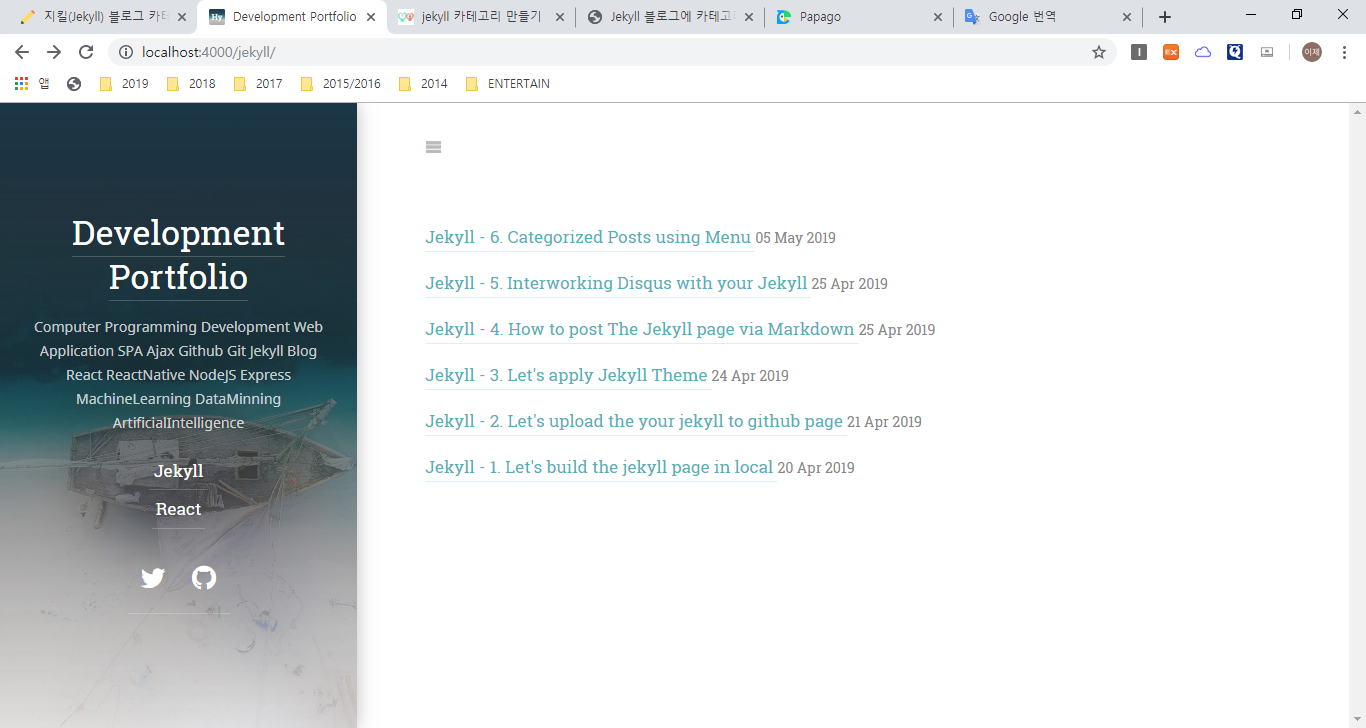
1. Decide categories of which you want.
I will divide my posts to two parts. first is Jekyll and the last thing is React
1 | Think the way how to divide your posts |
2. modify your _config.yml file
add the new code in anywhere of your _config.yml file
1 | menu: |
below is your _config.yml file before modifying
1 |
|
and below is your _config.yml file after changing
1 |
|
Even if the codes in _config.yml are a little different between your and mine, that’s okay.
Just if you add above code related to menu at anywhere of _config.yml successfully. then your service is maybe operate well.
if you finished, you can see the result on your jekyll page like below.
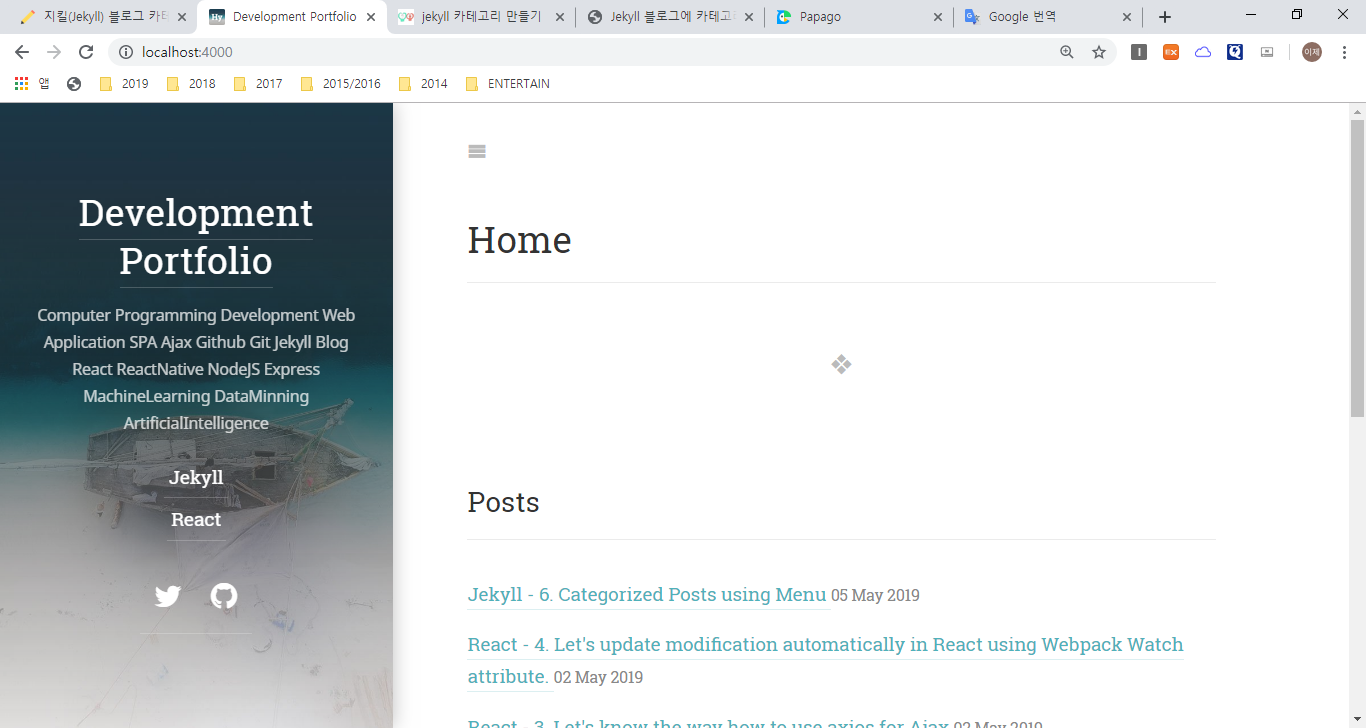
Actually That’s shape is a little different because of Jekyll theme
and You should check whether your Jekyll theme can apply menu attribute or not.
if it isn’t, you must make this manually. Don’t follow my posts.
3. Make directories related to categories
Let’s make the directories and you should keep their names are equal with url of menu attribute in _config.yml
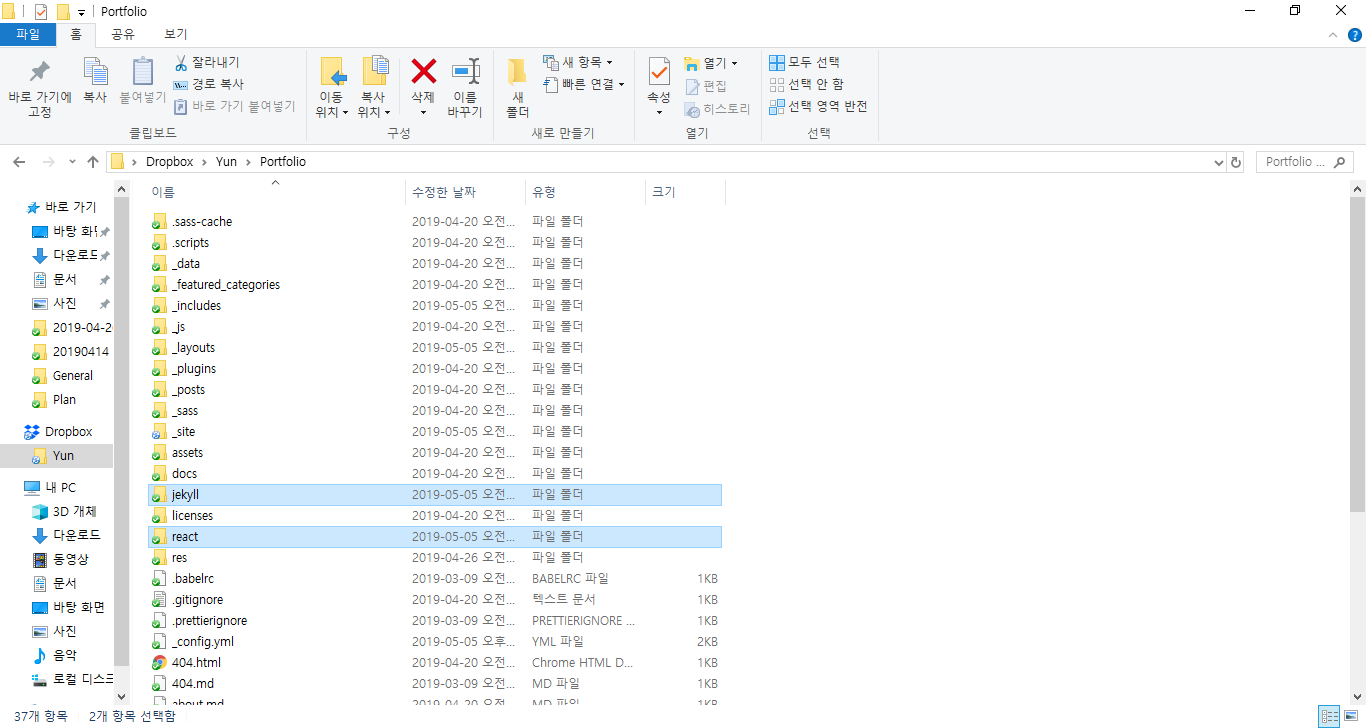
look carefully the above picture, highlighted directories is my new folders for categorizing.
4. Make a index.html files in each new folders
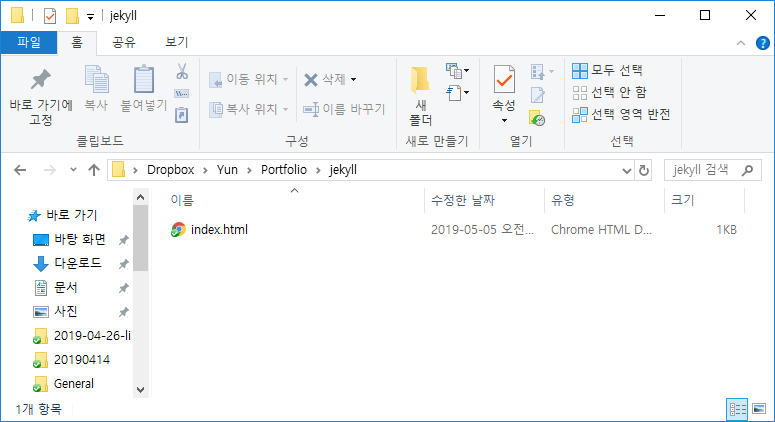
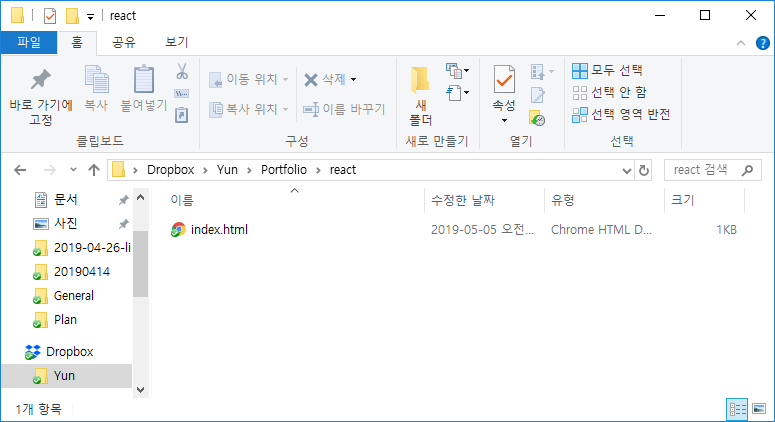
5. Lastly, filling your new index.html files
follow code below.
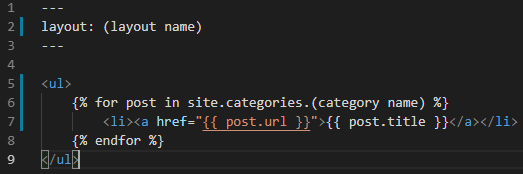
you should customize (code) to yours ex) (layout name), (category name)
and (layout name) is found in the _layouts directory in your jekyll projects
It’s my case
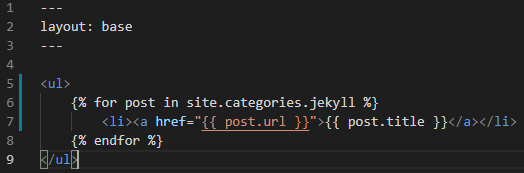
if you want to fix category page concretely,
You should understand about the structure or code of your jekyll service.
and then fix your page manually.
You can see the following as the result